
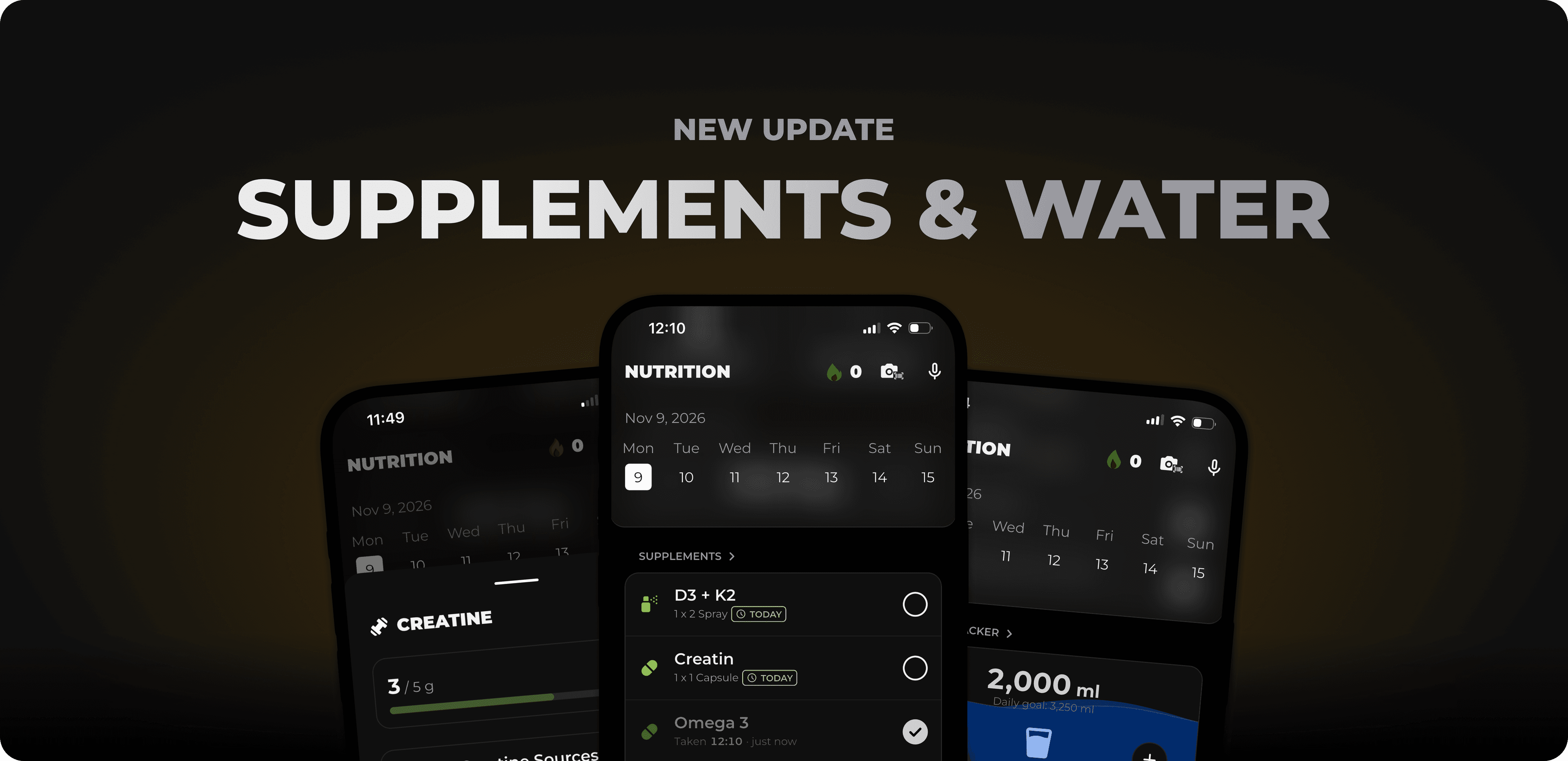
Nov 9, 2026
Until now, your nutrition overview has focused mainly on meals and nutrients. With this update, two things that are just as much a part of your day are joining the mix: your supplements and your water. And because not everyone wants to keep an eye on the same things, you can now customize your overview yourself.
In this release:
Supplement tracker: Set up your supplement plan once, then check off what you’ve taken each day with a tap.
Water tracker: One tap per glass, and you’ll instantly see how much more you need to reach your daily goal.
Customizable nutrition overview: Choose which sections you see and in what order.
Plus many more improvements throughout the app.
Vitamin D in the morning, magnesium in the evening, creatine sometime in between. If you take several supplements, it’s easy to lose track of what you’ve already taken today. That’s why there’s now a dedicated section in your nutrition overview.
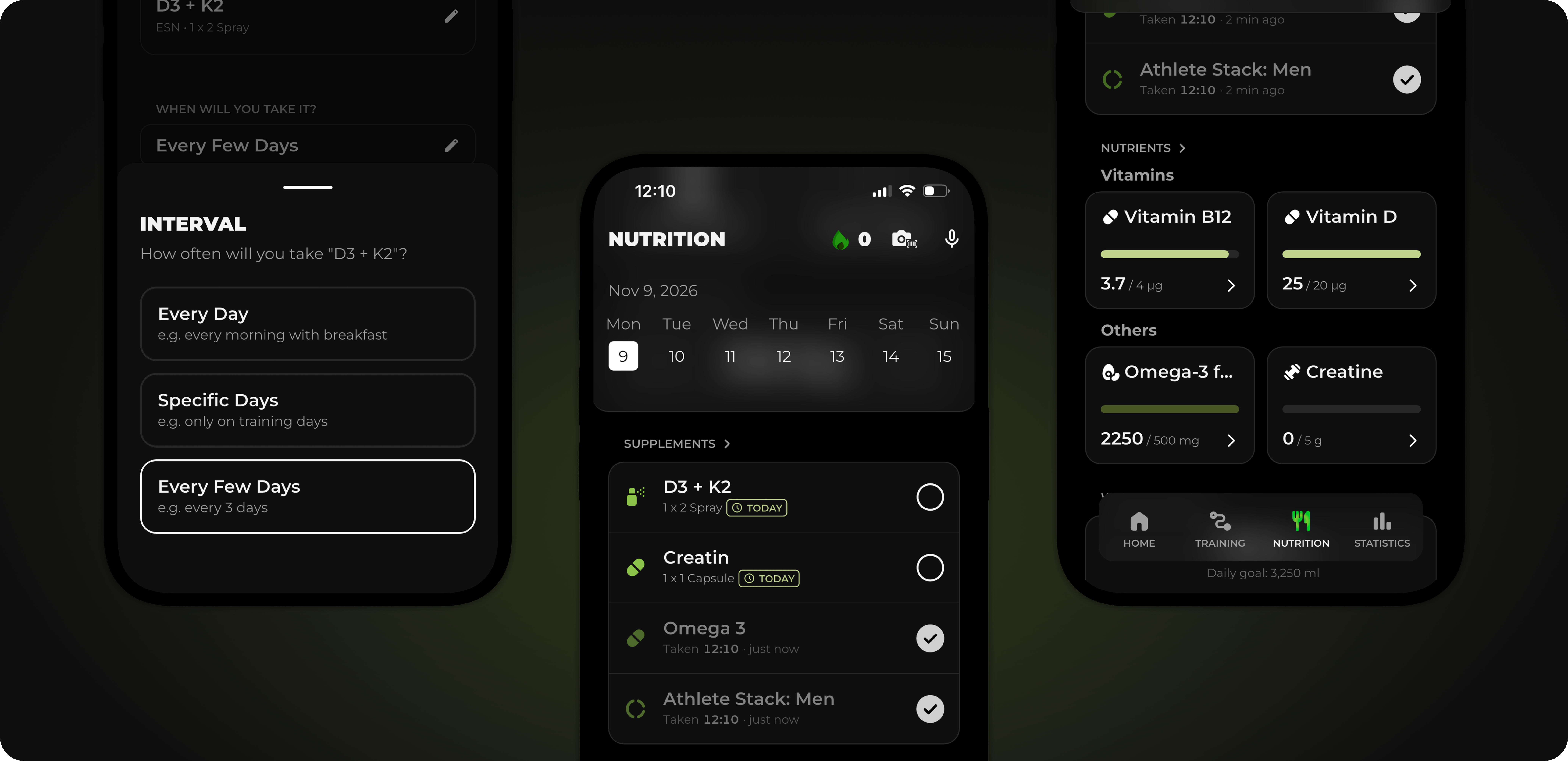
Find your supplement in our database, for example from ESN or More Nutrition, or scan the barcode on the package. This also works for products from the pharmacy that only have a PZN. If you can’t find your product, simply add it yourself. Then set how much you take and how often.
The supplement card shows you all the supplements due today. Once you’ve taken one, check it off with a tap. That way, you’ll still know in the evening whether it’s time to take your magnesium. If you forget to check one off, you can simply log it later for the right day.
Everything you check off is automatically added to your micronutrients. For example, if you take vitamin D or magnesium as a supplement, you’ll see it directly in your statistics. This helps you see how well-nourished you are overall, not just what you get from your food.
If you want, MCI will remind you to take your supplements at the scheduled time. That way, you don’t have to remember on your own, and your plan stays on track even on busy days.
Drinking enough sounds easy, but it can quickly slip your mind in everyday life. That’s why the water tracker is now right in your nutrition overview.
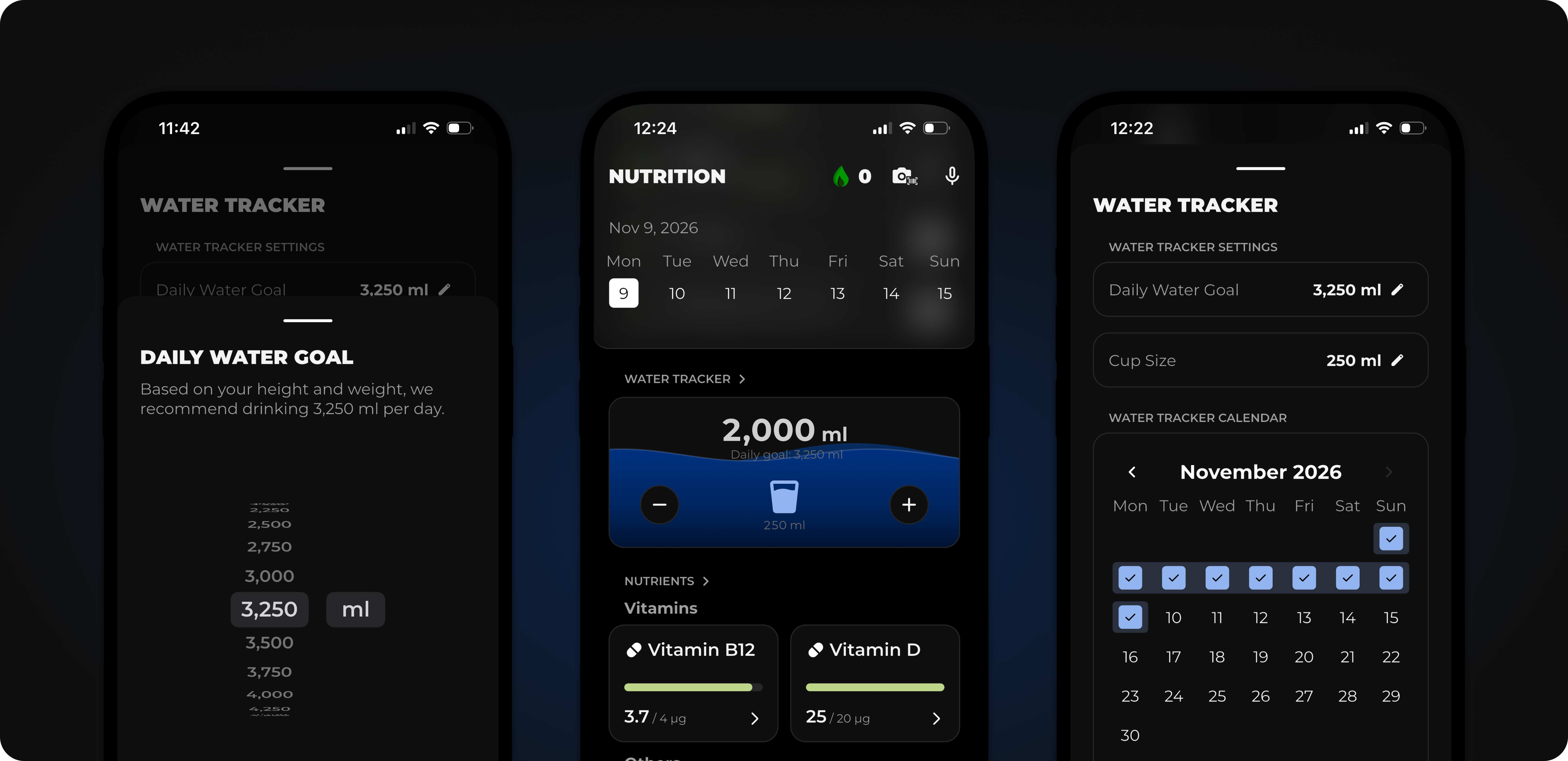
Tap Plus to log a glass. The card visibly fills up, and you can see at a glance how much more you need to reach your daily goal. Choose your glass size or enter a custom amount.
We calculate your daily goal based on your height, sex, weight, and activity level, and you can adjust it at any time. The calendar shows you which days you reached your goal.
Your nutrition overview has expanded to include supplements and water. Not everyone needs all of these, so you can now customize it yourself.
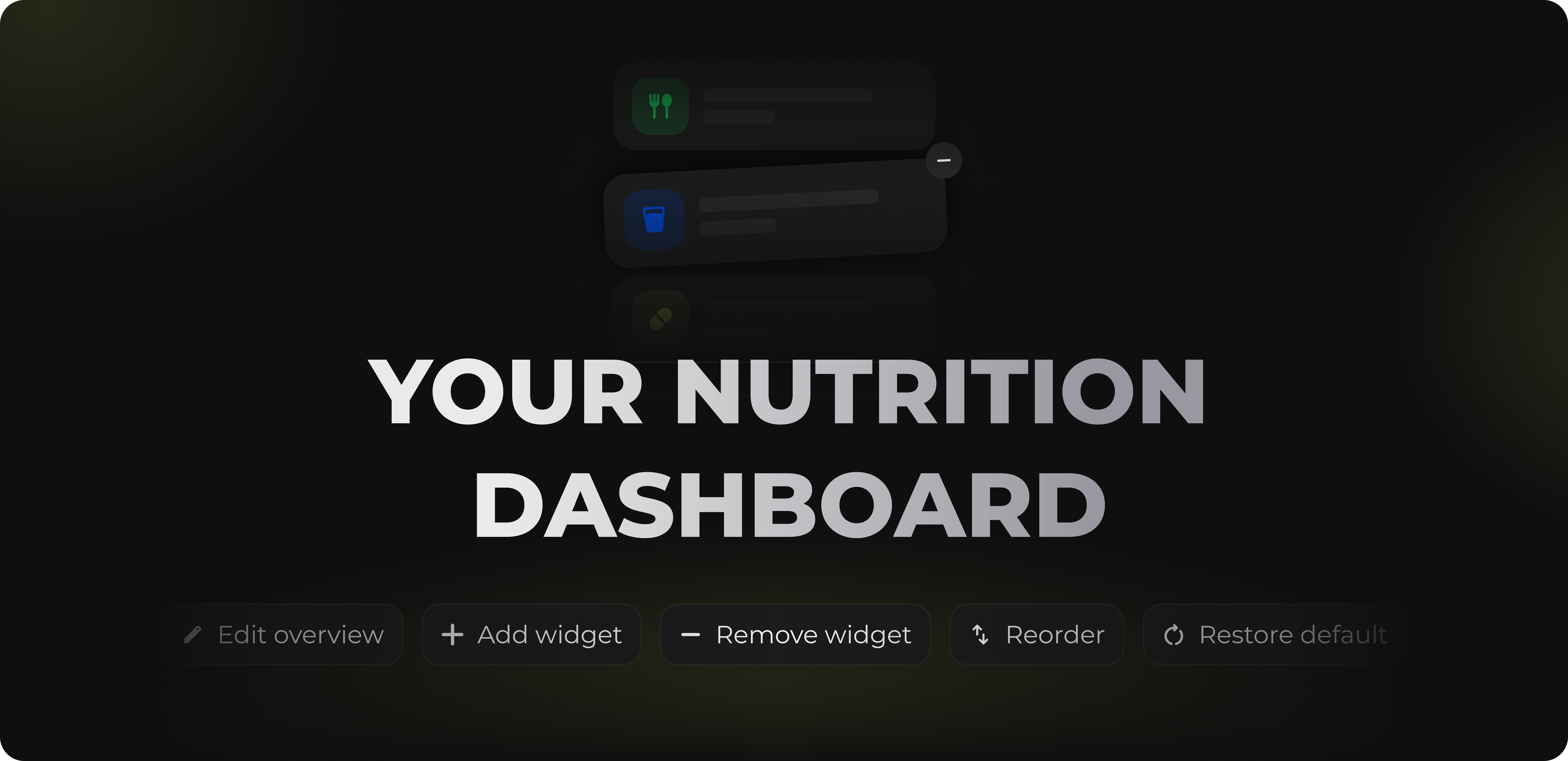
Simply press and hold a card or tap the button at the bottom of the overview. Then drag the cards into the order that works for you, hide what you don't need, and restore anything that's missing via “Add widget.” You can choose from Overview, Meals, Supplements, Water tracker, Log weight, Recipes, and Nutrients.
If you no longer like your changes, restore the default overview with a tap.
In addition to the major features above, we’ve made improvements in many smaller areas.
Revamp nutrition settings
The barcode scanner now also recognizes pharmacy products by their PZN.
Icons are once again displayed at a consistent size throughout the app.
Warm-up sets now adjust when you change your working weight via Wellness Adjustments during an active workout.
When you change your workout location, all exercises are now swapped, and the new location is displayed correctly.
Adding a mobility workout no longer results in a gray screen.
Cardio sessions can once again be moved to the current day.
The selector for secondary muscle groups now shows the correct title.
The Dynamic Island display is working properly again on iPhone 18 Pro Max.
Customized macro distributions, such as Keto or Low Fat, are working reliably again.
Typo in the strength test tutorial fixed.
That's it for this update. Follow us on Instagram for the latest updates and training tips.
Have a feature request? Submit it directly on our Roadmap, or vote for existing requests. We prioritize what people want most. You can send us bug reports directly in the app via Settings → Report a bug.
If you like MCI, a review in the App Store would help us enormously. Thank you!
