Changelogs
Stay up to date with the latest changes and enhancements.
Stay up to date with the latest changes and enhancements.

24. Aug 2026
Share
In this update, we're significantly expanding the connection between MCI and Apple Health or Health Connect: MCI is now writing your data there for the first time and reading more data types than before. Plus minor improvements and bug fixes throughout the app.
In this release:
MCI now writes data too: What you log in MCI now also goes to Apple Health or Health Connect.
MCI reads much more: Data from other apps and devices now flows into MCI more comprehensively.
Recovery from sleep data: MCI estimates how recovered you are based on your sleep and takes that into account in your training.
Plus many more improvements throughout the app.
MCI was already able to read your steps and workouts from Apple Health and Health Connect. From now on, the sync covers more data types and works in both directions.
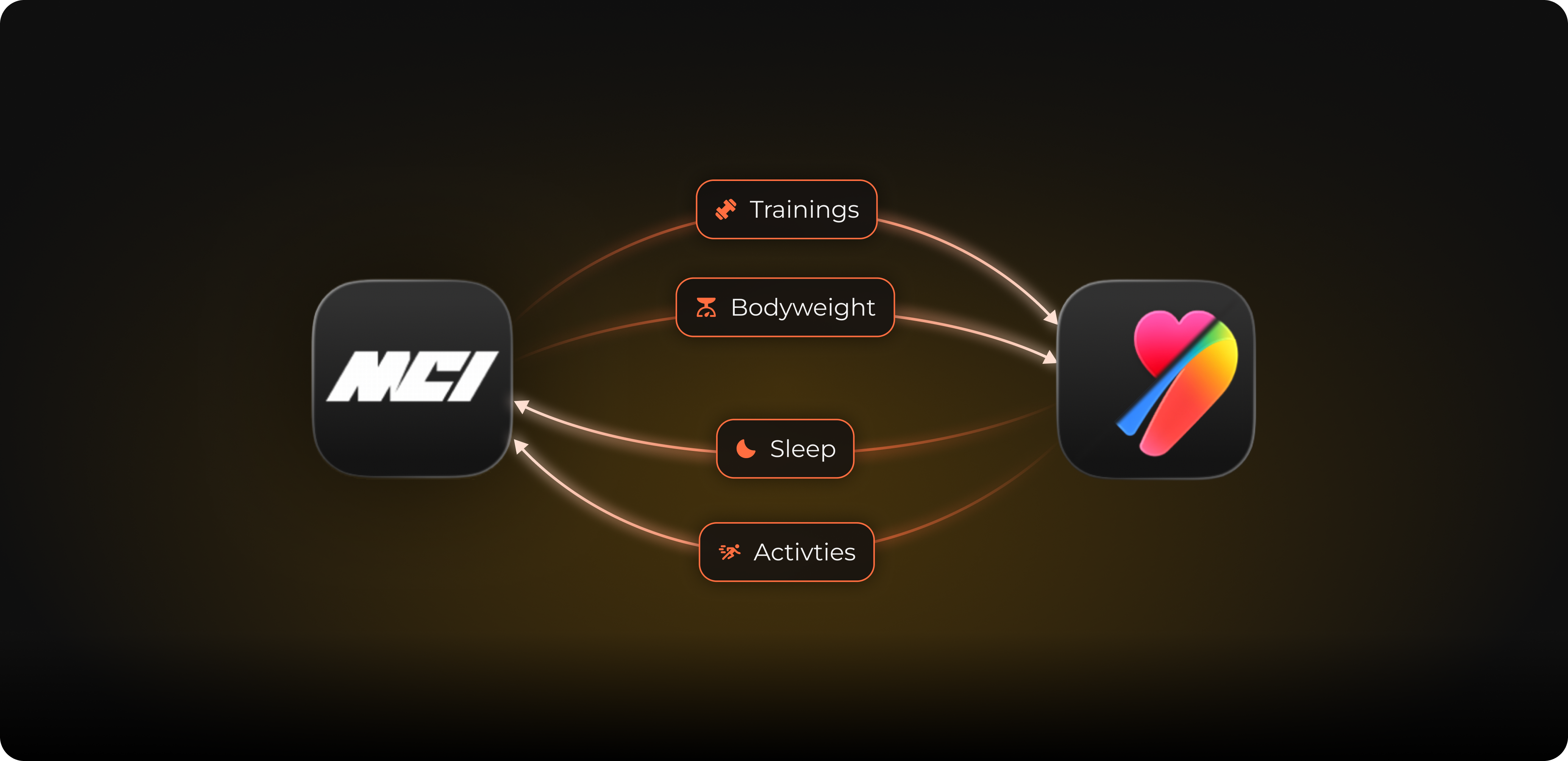
This is completely new. MCI automatically writes your workouts, your activity energy, your weight, your body fat percentage, and your height to Apple Health or Health Connect. This means everything you log in MCI is also in your Health app and in all apps that access it.
In addition to steps and workouts, MCI now also reads your weight, your height, your body fat percentage, your activity energy, your sleep, your distance from walking and running, as well as your date of birth and your gender. This way you always have the complete picture in MCI, regardless of what you use to track. You decide at any time which data MCI is allowed to read and write.
A small preview: If you are a woman, MCI can also synchronize your menstrual data. This is purely optional; you can also disable the permission. You won't see anything of this in the app today, as we are preparing this for an upcoming update.
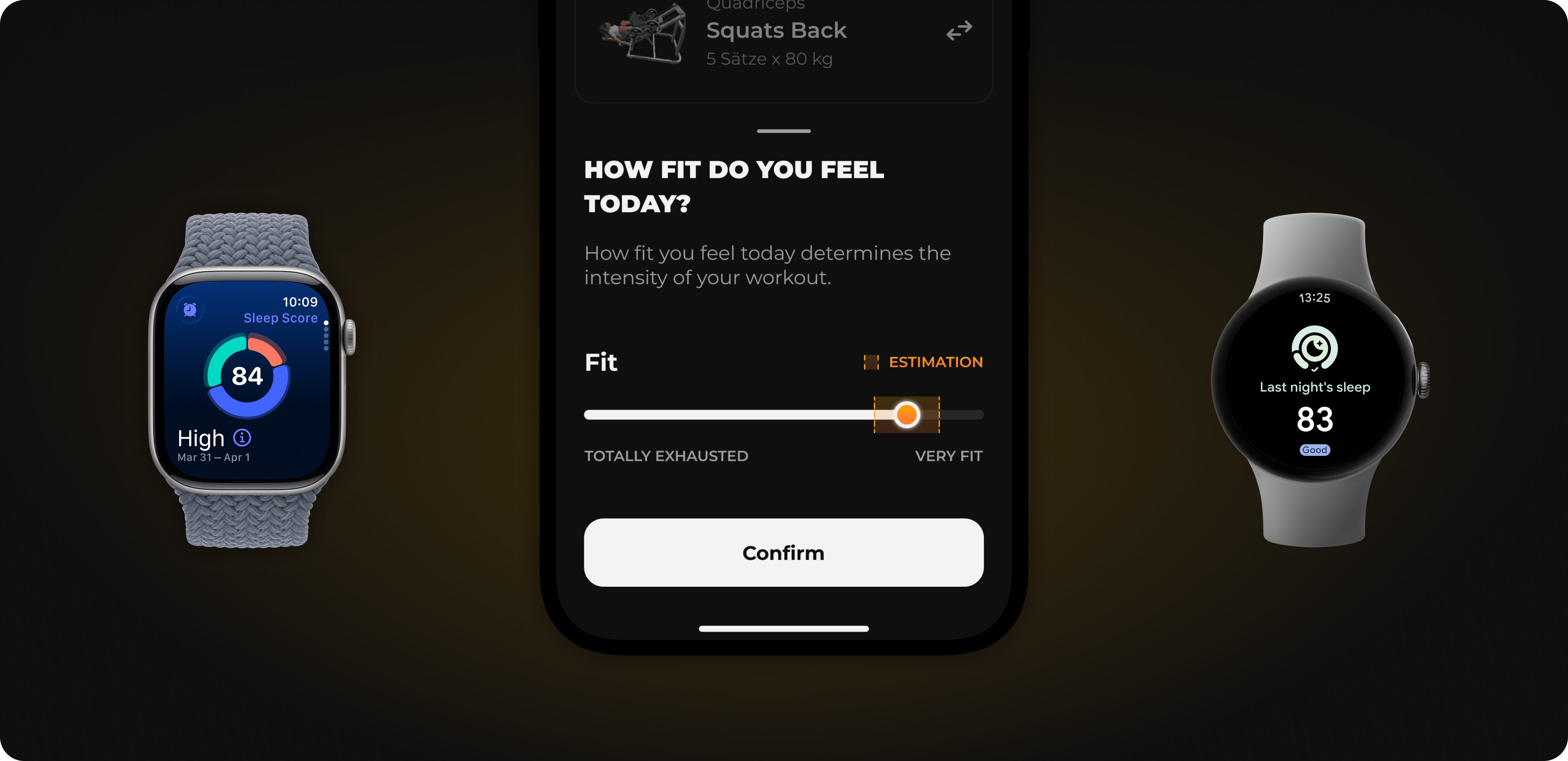
MCI now actively uses your sleep: MCI estimates how recovered you are from it and takes this into account in the recovery slider before your workout. The recommendation thus adapts to your night.
To prevent chaos when two apps read and write the same data, MCI automatically filters out duplicate entries. A workout that MCI itself wrote to your Health app will not appear in MCI again as a new activity.
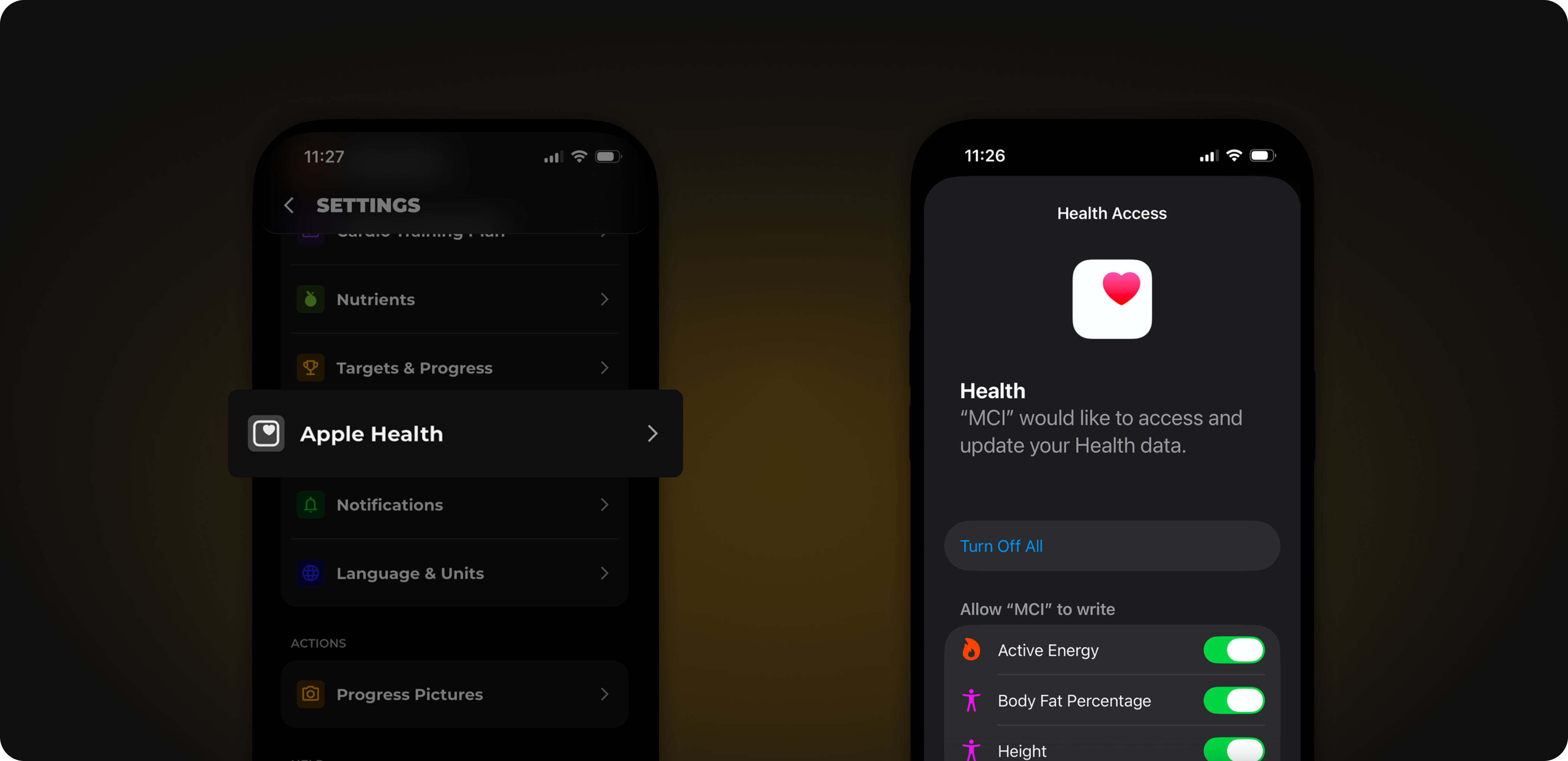
The setup only takes a moment:
Open the settings in MCI.
Select Apple Health or Health Connect.
Grant the new permissions.
After that, the exchange runs automatically in the background.
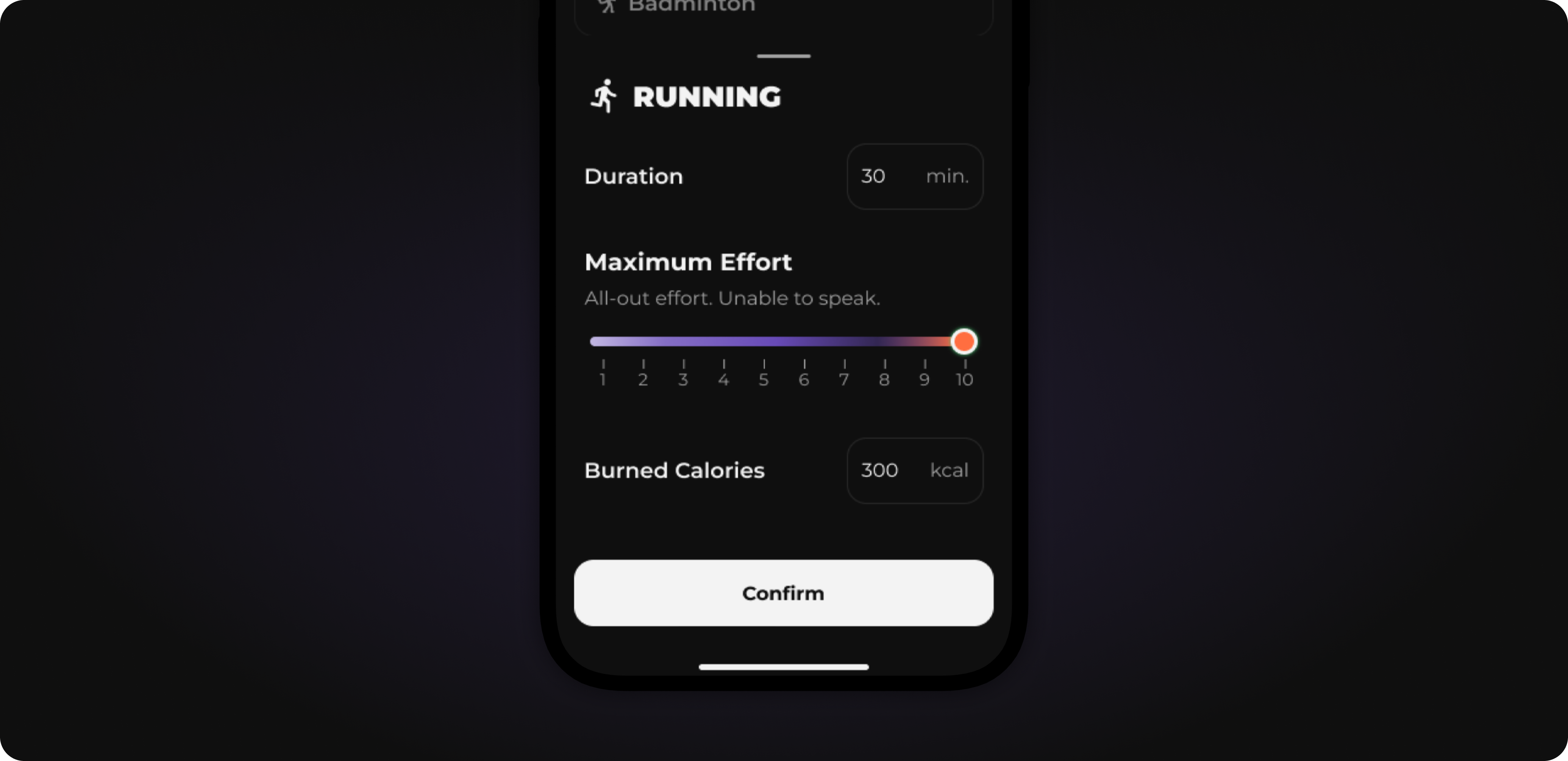
Activity logging has been fundamentally redesigned. You can specify the perceived exertion from 1-10 and thus get a more accurate estimate of calories burned.
In addition to the major feature above, we have made adjustments in many small places.
The selection at the end of training, which changes you incorporate into your plan, is now clearer.
The tutorial in the first training has been completely revised and optimized.
When you change your training plan in settings, your selection remains: A plan that would only start with the next mesocycle no longer overwrites it.
For verified foods, "Awaiting approval" is no longer incorrectly displayed even though you did not request any changes.
When moving mobility training in the calendar, the markings are now displayed cleanly again.
That's it for this update. Follow us on Instagram for the latest updates and training tips.
Do you have a feature request? Submit it directly on our Roadmap or vote for existing requests. We prioritize what is most requested. You can send bugs directly to us in the app via Settings → Report Bug.
If you like MCI, a rating in the App Store would help us enormously. Thank you!
